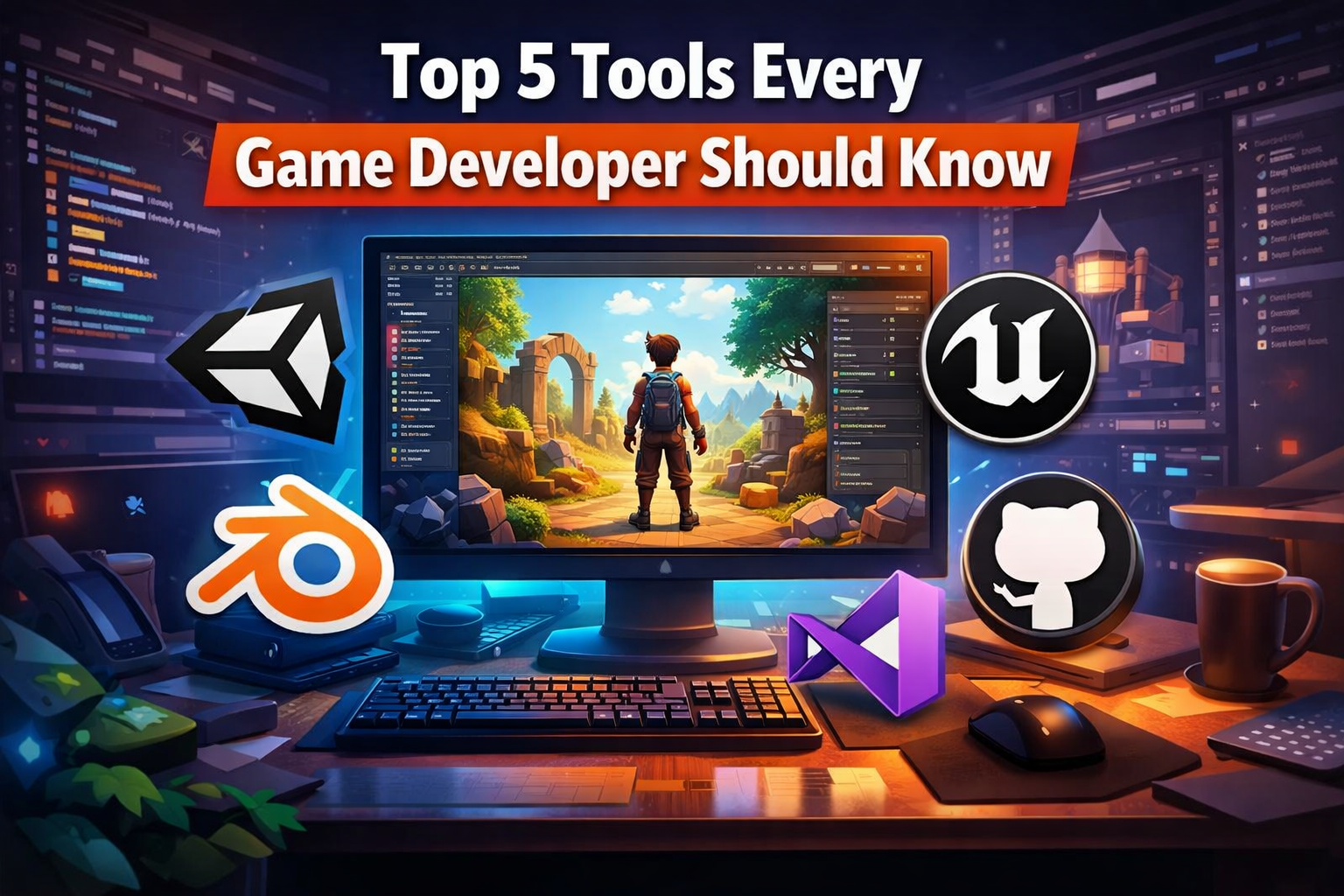
Top 5 Tools Every Game Developer Should Know
Game development combines creativity, technical thinking and problem solving. From designing gameplay mechanics to managing assets and debugging code, every stage benefits from having the right tools in place. While tools alone do not make great games, they can reduce friction and help developers focus on learning and finishing projects.
This article explores five essential tools every game developer should know. Each one plays a different role in the development process and is widely used across both indie and professional environments.
1. Unity
Unity is one of the most commonly used game engines in the world. It supports both 2D and 3D development and allows projects to be exported to multiple platforms.
Why Unity is useful
Unity is often recommended for beginners because it balances accessibility with real world complexity. You can start small without needing deep engine knowledge, while still learning industry relevant concepts.
You can:
- Start with a 2D project to learn scenes, sprites and basic scripting
- Use prefabs to understand reusable objects early
- Focus on one mechanic such as movement or collision before adding polish
- Avoid overusing assets at first and learn how things work by modifying them
Unity teaches important fundamentals like game loops, input handling and basic optimisation, which transfer well to other engines later.
2. Unreal Engine
Unreal Engine is known for its advanced rendering and built-in systems. It is widely used in large productions, simulations and high fidelity games.
Why Unreal Engine is useful
Unreal exposes developers to professional workflows earlier. While it can feel overwhelming at first, it provides insight into how complex games are structured.
You can:
- Start with Blueprints to understand game logic visually
- Build a single environment instead of a full game
- Learn how actors, components and events interact
- Focus on understanding systems before worrying about performance
Even if you do not finish a full game in Unreal, learning its structure can improve your understanding of modern game development pipelines.
3. Blender
Blender is a free and open source 3D creation tool used for modelling, animation and asset creation.
Why Blender matters
Blender allows developers to create original assets instead of relying entirely on external sources. This can make projects more personal and flexible.
You can:
- Start with simple props like crates, walls or platforms
- Learn basic transforms, materials and UV mapping
- Avoid character modelling early, as it adds complexity
- Focus on exporting clean, low poly models suitable for games
Understanding asset creation helps developers communicate better with artists and make smarter design decisions.
4. GitHub
GitHub provides version control through Git, allowing developers to track changes and manage projects safely.
Why version control matters
Many beginners skip version control until something breaks. Using it early prevents data loss and builds professional habits.
You can:
- Commit small changes regularly
- Use clear commit messages describing what changed
- Create backups before major changes
- Learn how to revert to previous versions safely
Even solo developers benefit greatly from version control. It reduces stress and makes experimentation safer.
5. Visual Studio and Visual Studio Code
A reliable code editor improves productivity and reduces errors. Visual Studio and Visual Studio Code are widely used across game development.
Why a good editor matters
Editors provide syntax highlighting, debugging tools and code suggestions that speed up learning and reduce frustration.
You can:
- Learn basic debugging instead of relying only on print statements
- Use code formatting tools to keep scripts readable
- Explore extensions slowly rather than installing many at once
- Learn keyboard shortcuts gradually to improve efficiency
Understanding your editor makes coding less intimidating and helps you spot issues faster.
Final Thoughts
Game development tools should support learning, not distract from it. The best tools are not necessarily the most powerful, but the ones you can use consistently without burning out.
Choose tools you can tolerate opening regularly. Build small projects. Finish them. Skills grow quietly through repetition, not through chasing perfect setups.





No comments yet. Be the first to comment!